Funky Friday Download: Roblox Access and Controls Guide
Find the Funky Friday download page on Roblox, learn the console controls, locate keybind settings, and compare the game's optional passes before you play.
Jump to
Where to Get Funky Friday
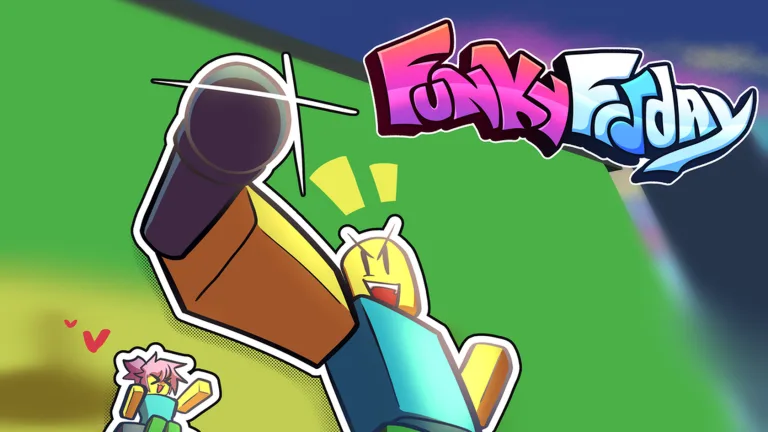
Start your Funky Friday download search at the official Funky Friday page on Roblox. Look for the title [BOSS BATTLES] Funky Friday to identify the experience. It’s a music and rhythm game where your control setup deserves attention before you settle into a session.
Here are the details that help identify the game:
- Developer: Lyte Interactive
- Roblox place ID: 6447798030
- Server capacity: 20 players
The experience was created on February 26, 2021, and received an update on October 30, 2026. Its badges include Welcome 2021, Welcome 2022 - 2024, Welcome 2025, and Welcome 2026. The Welcome 2026 badge has been awarded 10,292,711 times.
Use the Roblox page linked above as your starting point for accessing the experience.
Find Keybinds, Arrow Skins, and Console Controls
 Image: Roblox / Lyte Interactive
Keybinds and arrow skins are in Settings. Head there when you want to adjust your input bindings or customize your arrows.
Set your keybinds before starting a session so your layout is ready when you play. Keep the distinction clear: keybinds handle your inputs, while arrow skins customize the arrows.
On console, the supported controls are D-PAD or XYBA. Use those inputs when playing with a controller.
Compare the Optional Game Passes
Funky Friday offers two passes with different purposes: animation customization and increased points earned after songs.
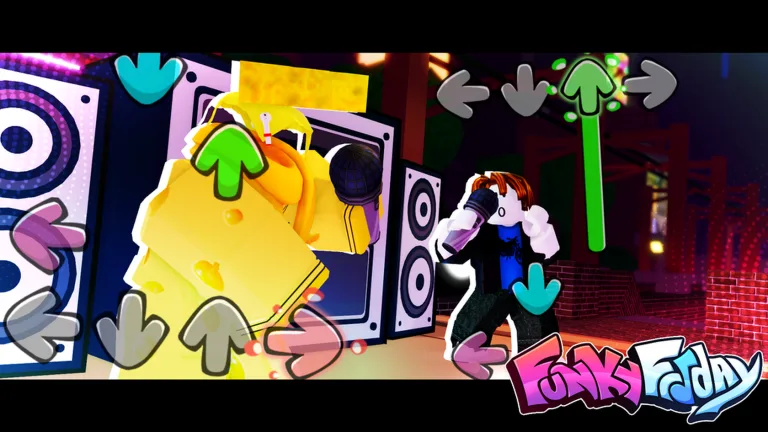 Image: Roblox / Lyte Interactive
| Game pass | Price | What it provides |
|---|---|---|
| Animation Customization | 399 Robux | Equip multiple animations and adjust animation speed, size, rate, and shake intervals |
| 2x Points | 349 Robux | Permanently doubles the points gained at the end of each song |
For animation changes, select Animation Customization. Its options cover both equipping multiple animations and adjusting how those animations behave.
For increased song rewards, select 2x Points. The multiplier applies to points awarded at the end of each song; the pass is a permanent purchase rather than a timed boost.
Continue exploring
Funky Friday Free Play: Solo Practice and Settings
Use Funky Friday free play to practice solo, adjust keybinds, and clear distractions. Learn which settings help you read notes and build consistent timing.
Funky Friday Tips: Better Accuracy and Cleaner Combos
Use these Funky Friday tips to improve accuracy, choose comfortable keybinds, reduce distractions, and practice tougher note patterns without burning out.
Join the community
Official channels for news, updates and player help: