
Funky Friday Best Animations: Style and Clear Notes
Compare Cappy and Demon Tricky in Funky Friday, and pick an animation that keeps notes visible. Keep practice visually simple so you can focus on accuracy.
Jump to
Which Animations Should You Choose?
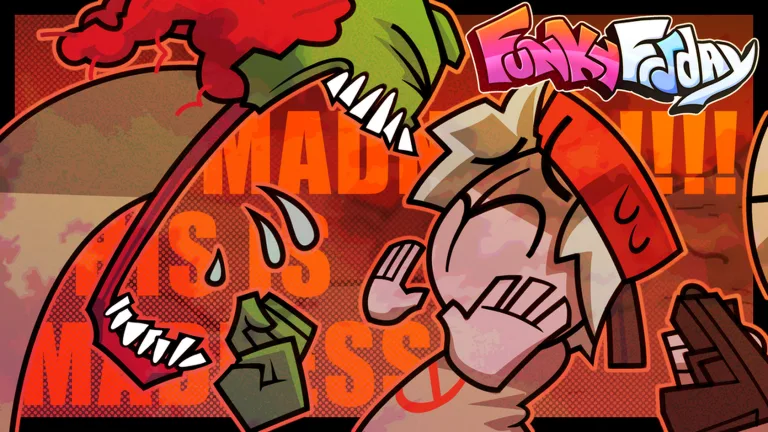
If you’re searching for Funky Friday best animations, start with a basic animation for clear notes and try Cappy for style. Demon Tricky delivers a bigger spectacle, but its size can make side-positioned notes difficult to see. Choose your animation around the chart you need to read.
For accuracy-focused practice, keep the performance visually simple. Large movements can compete for your attention, especially when your note lanes sit beside your character. Save the elaborate look for a session where you want to enjoy the presentation.
Demon Tricky makes that tradeoff particularly obvious: the animation looks dramatic, but it can crowd your view during a song. Try it with your usual lane placement before settling on it. If you keep losing sight of incoming notes, switch back to something smaller.
Official page: Funky Friday (roblox.com)
Cappy and the Silly Billy Update Animations
The Silly Billy update introduced animations named Capybara, Cappy, Lord X, and Silly Billy. Cappy is worth trying if you want to change your stage look; it also makes a useful starting point for exploring that update’s additions.
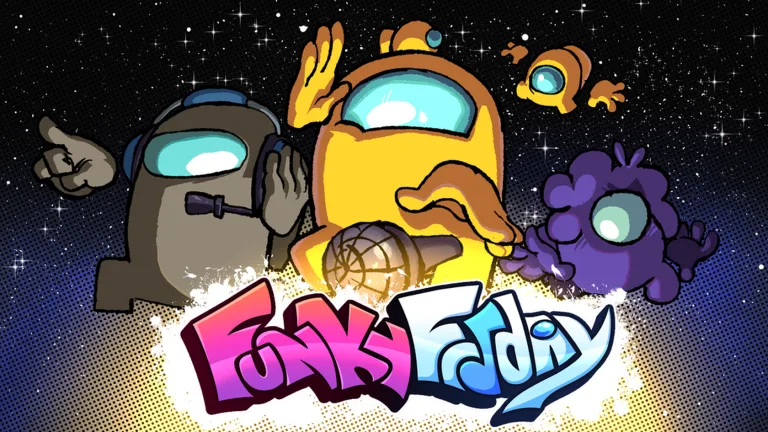 Image: Roblox / Lyte Interactive
Keep the names straight when browsing: Cappy and Capybara are separate animations.
Also separate your equipped animation from a song’s presentation. Playing Silly Billy on its matching map with mechanics enabled includes a cutscene and additional visual effects. Those song-and-map effects are a different consideration from choosing an animation for your character.
When comparing looks, use a familiar song. Keep your scroll direction and lane placement consistent so you can judge whether the animation distracts you without also adjusting to a different chart layout.
What the Animation Customization Pass Includes
The Animation Customization pass costs 399 Robux and expands the controls available for your character’s performance.
 Image: Roblox / Lyte Interactive
| Pass Detail | Included Feature |
|---|---|
| Price | 399 Robux |
| Equipped animations | Equip multiple animations |
| Speed | Change animation speed |
| Size | Change animation size |
| Rate | Change animation rate |
| Shake | Change animation shake intervals |
Use the size and shake controls to experiment with how much movement you want around your character. Change one control at a time, then play a familiar chart to judge the result.
Keep animation speed separate from arrow scroll speed when adjusting settings. The pass offers animation controls; arrow speed is another setting to tune for reading incoming notes.
Keep Your Notes Visible While Using Flashy Animations
Your animation is only part of the screen. Backgrounds, spectators, and camera movement can also pull your attention away from the chart.
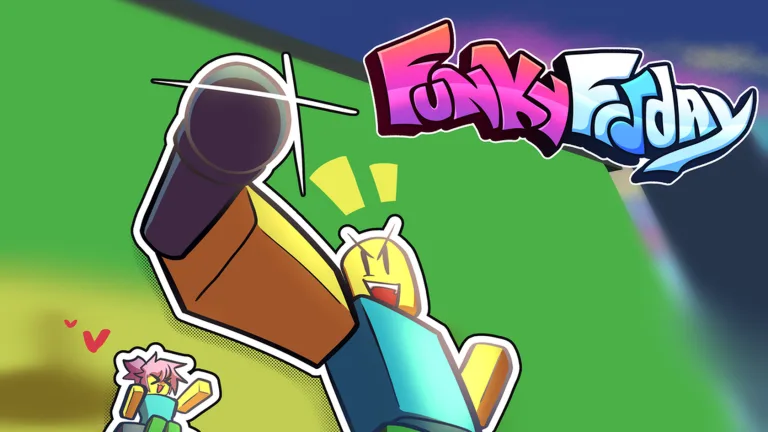 Image: Roblox / Lyte Interactive
Try these adjustments when the stage feels crowded:
- Enable Hide Map. Removing the map gives you a plain background, making it easier to concentrate on the notes.
- Enable Hide Spectators. This removes nearby spectators who can otherwise jump around your view during a match.
- Disable camera movement. This stops the camera from panning toward whoever is singing.
- Try middle scroll. It places your note lanes in the center and works with either upscroll or downscroll.
Keybinds and arrow skins are under Settings. Make those comfortable before judging an animation; an unfamiliar note appearance can make the whole screen harder to follow.
Arrow speed defaults to 1 and can be adjusted from 0.25 to 4. Higher values make arrows travel faster; lower values slow them down. Test changes in solo mode before combining them with a different animation. For keyboard controls, try DF and JK or XC and NM to split the inputs between both hands while you practice reading the chart.
Use solo mode to compare your choices. Start with a basic animation, replay a familiar song with the more elaborate option, and pay attention to the moments when you lose track of notes. If the character’s movement keeps drawing your eyes away from the lanes, simplify the animation before increasing the difficulty.
Continue exploring
Funky Friday Hardest Songs: Charts That Push Your Limits
Explore Funky Friday hardest songs, from Everlasting Eternity to Detected, and tune your settings to tackle stamina drains, dense charts, and visual chaos.
Funky Friday Silly Billy: Song Mechanics and Play Tips
Funky Friday silly billy brings cutscenes, doubles, and a sudden upscroll switch. Learn how to set up the map and keep track of notes through the song.
Join the community
Official channels for news, updates and player help: